VMware Holodeck uses the webtop container behind the scenes to provide a desktop environment to the user out of the box. The intent is to get a user into a fully functional VCF lab with the least amount of friction as possible and in version 5.2 and 9.0, webtop shipped without authentication. Beginning with Holodeck 9.1, webtop ships with basic auth enabled with a default username/password as a layer of security.
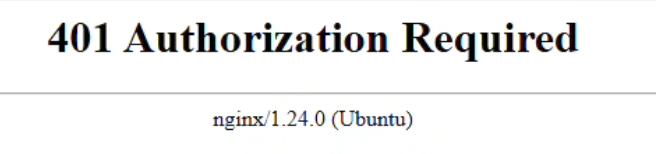
So, you’ve just deployed Holodeck 9.1 with webtop enabled, open your web browser to http://holorouter-IP:30000, and it throws the error: 401 Authorization Required.
This is nginx inside the webtop container telling you that you’re not authorized – but wait, you were never prompted for credentials? This is a clue that your browser has a policy blocking basic auth. I’ll demonstrate checking with Chrome:
Open chrome://policy/ and search for BasicAuthOverHttpEnabled and see if it’s set to false.
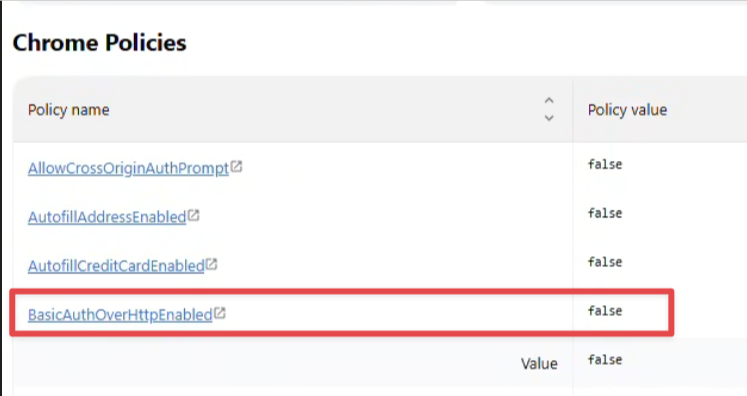
If it is set to false, that’s the issue, and your security team is preventing you from sending credentials over http/clear text – smart.
You have a few options, use a different browser, get your security team to create an exception, or disable webtop authentication.